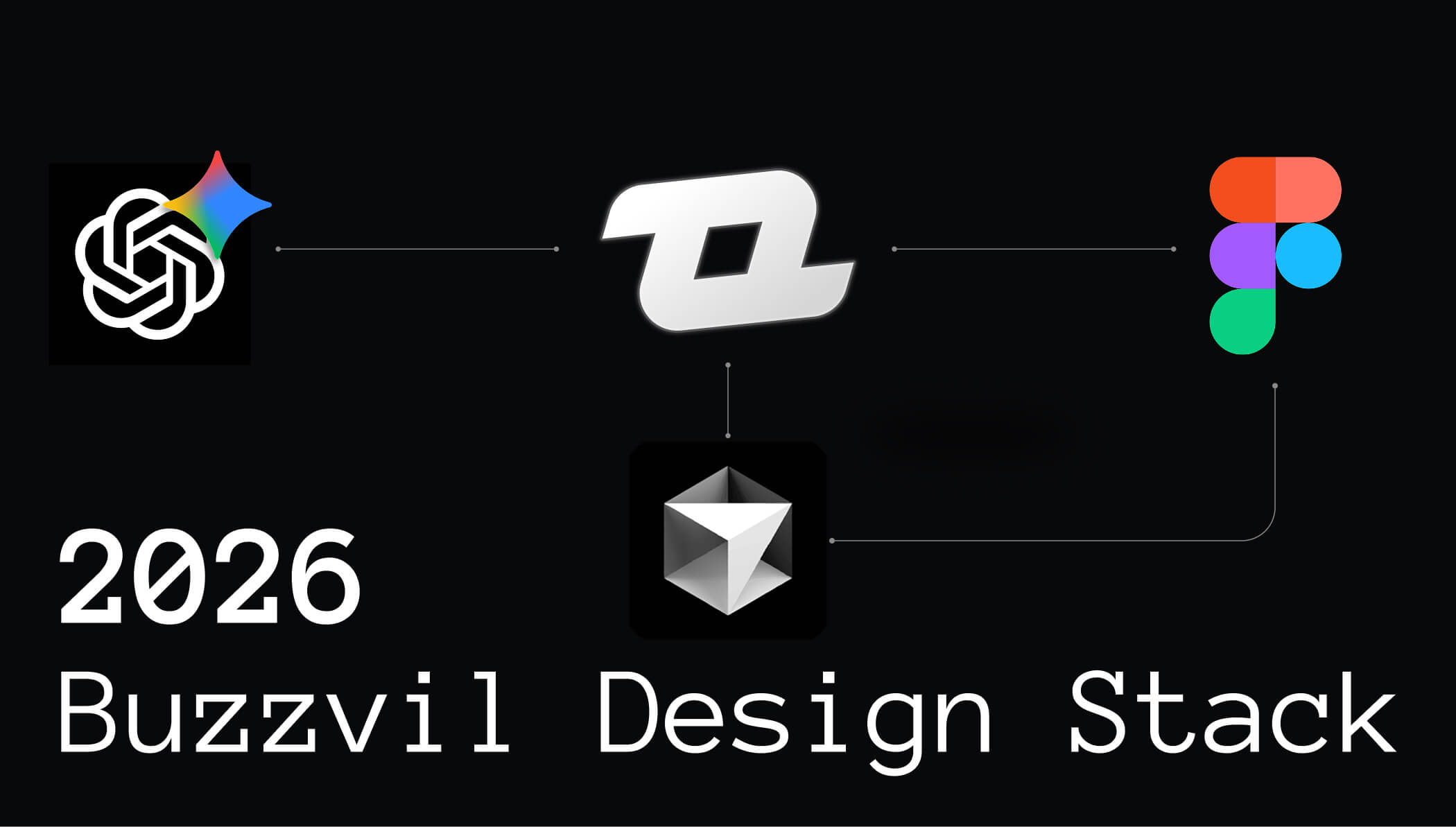
The 2026 Buzzvil Design Stack, Preparing for the AI Shift
- 6 minutes read2026 marks a transition year for Buzzvil Design. Our tool choices are no longer just operational decisions, they are strategic steps toward a unified, code-connected design system capable of supporting the next generation of AI-assisted product creation.
Over the past few years, the Buzzvil Design team has been on a strict digital diet. We have trimmed the fat, cut the redundancies, and, perhaps most notably, waved goodbye to Adobe entirely.
That means no Photoshop, no Illustrator, and no “just this one time” exceptions. When we occasionally need to open a PSD or AI file from clients, we now rely on Affinity. It recently became free, which could be either a blessing or a warning sign. The future will tell us.
We also retired Framer, which had been powering our online design documentation. With those farewells made, what is left in our creative kitchen for 2026?
⸻
Figma (Org)
Long term vision
As a B2B2C company, we have been particularly satisfied with Figma’s recent design system improvements. More modes, extended collections (Enterprise only…), and finally Slots make it realistic to manage multiple brands across multiple products and layouts without wanting to run away.
The deeper shift, however, is happening underneath.
Figma’s evolution is clearly steering toward a world where design systems are code-connected and AI agents can operate directly on top of them. This aligns squarely with our 2026 Design plan. Every mission will work on a unified, code-backed design system. This is not a convenience project. It is the prerequisite for unlocking the next phase of AI-assisted product creation.
Figma’s own roadmap makes the direction obvious. Their public LLM demos may look playful, but behind the scenes they are constructing the infrastructure for real agent workflows. Over the past year, they tested multiple AI models, shipped the Figma MCP layer to expose file context to agents, and improved its reliability. Tools like Cursor already show what is possible using MCP, even if the results are still more “promising prototype” than “ship it tomorrow”.
At the same time, Figma has quietly pushed updates with far bigger implications. Code Connect has matured, linking Figma components directly with real code through GitHub. It is not flashy work, but it signals a clear investment in proper design-to-code interoperability.
The moment MCP can reference and use our actual component code, agents will no longer generate “almost correct” UI. They will assemble near-production interfaces grounded in our real system, possibly with basic business logic applied. The 2025.11.18 update even introduced connectors that turn Confluence or Notion PRDs into Figma Make prototypes, now capable of using design system libraries. This is the first visible layer of the future pipeline, from PRD to functional prototype.
All of this reinforces a simple truth.
If our design system is not fully code-connected, we will not benefit from this shift.
Half-baked systems will not cut it. AI agents can only generate high-quality output if the underlying components are fully defined, consistent, and aligned with the codebase.
This is why 2026 is the year we commit to aligning every mission on a single, mature, code-backed system, and why Figma remains such a critical piece of our stack. If we execute this properly, we can begin unlocking practical AI-assisted design as early as 2027. If we do not, others will move faster.
Now, more immediate matters:
Dev Mode: Adopted
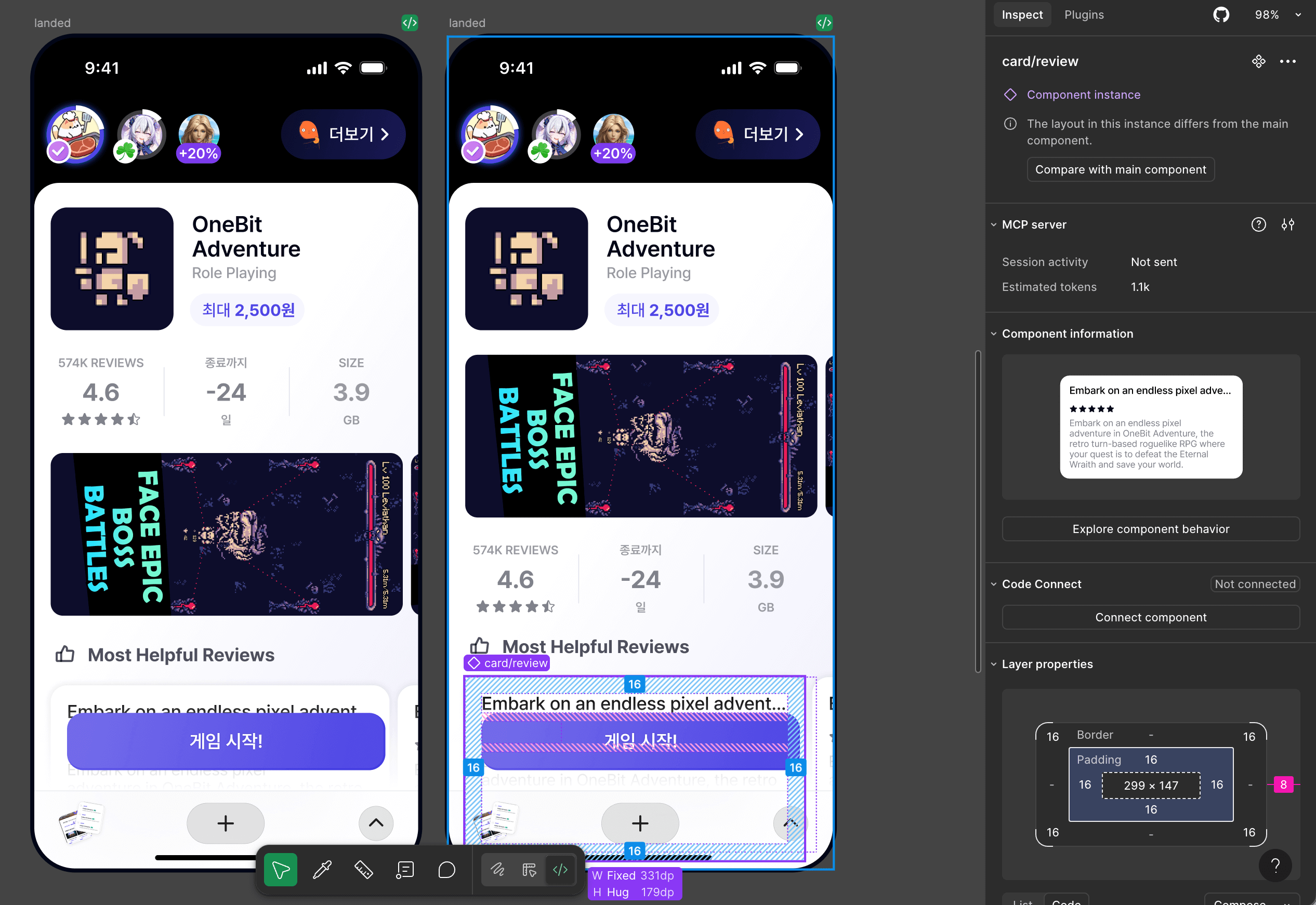
We have expanded Dev Mode seats to include all Front-end and Client engineers. According to our 2025 internal survey, adoption is impressively high. All users rely on it weekly, and 71 percent use it multiple times per day. Satisfaction is strong, with an NPS of 72 and broad agreement around faster handoff, easier inspection, and sharper design-to-code clarity. Pricing remains the main friction point, which feels appropriate. Nothing motivates a team to improve their design system discipline quite like an expensive SaaS invoice.
Make and Slides: Adopted
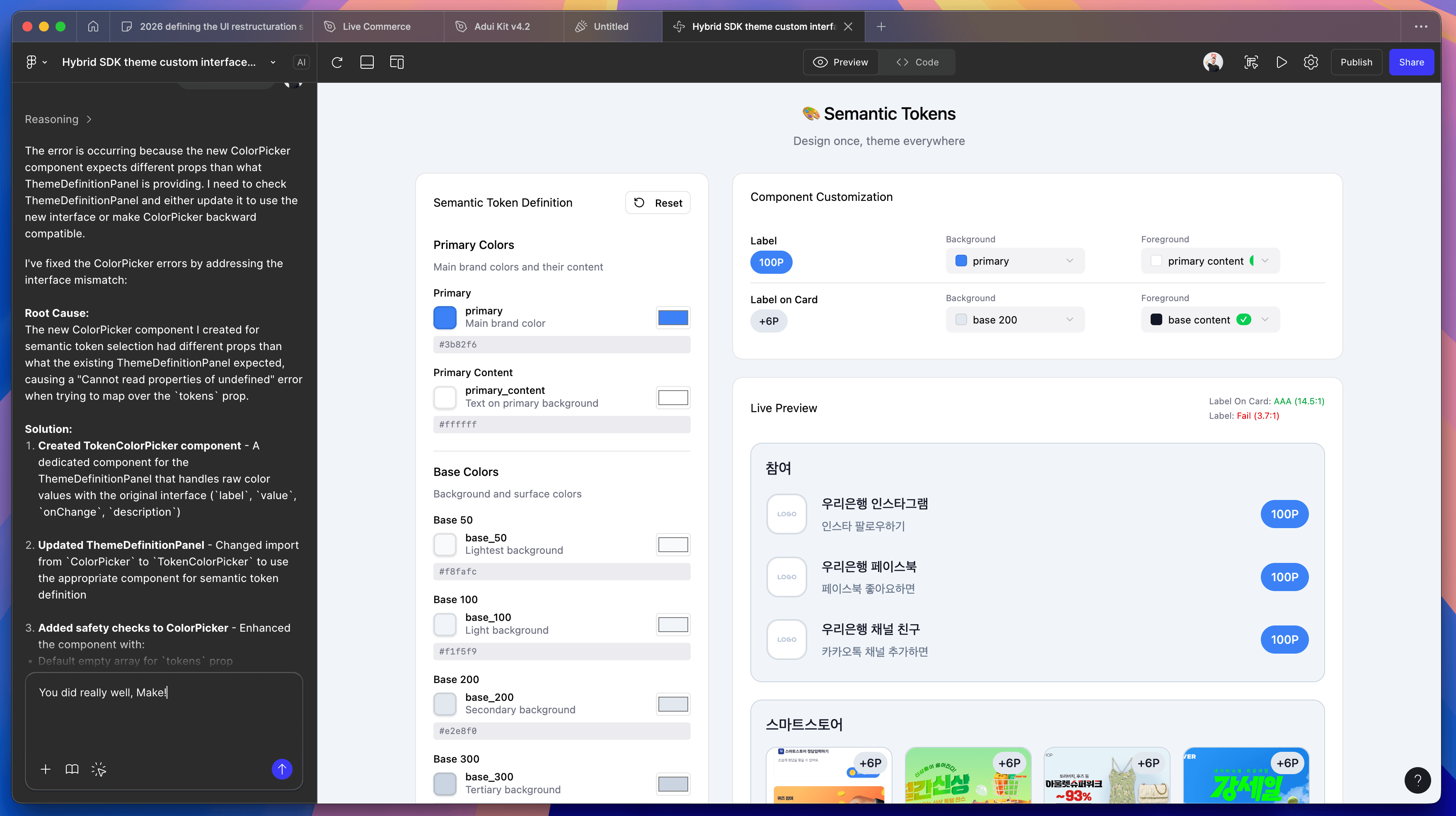
We were skeptical about the new Figma Make and Figma Slides, but we have since embraced them with cautious optimism.
Make is used to visualize early leads or document interaction patterns that would be difficult to document on Figma only. So whenever micro-interactions or advanced interaction patterns are required, we deliver these via Figma Make instead.
Slides became our go-to whenever we need to make a deck for a presentation. The tool is gaining traction inside our organization, and we can see how it slowly replaces Google Slides and PPT over time (thank god).
Sites and Buzz: Testing out
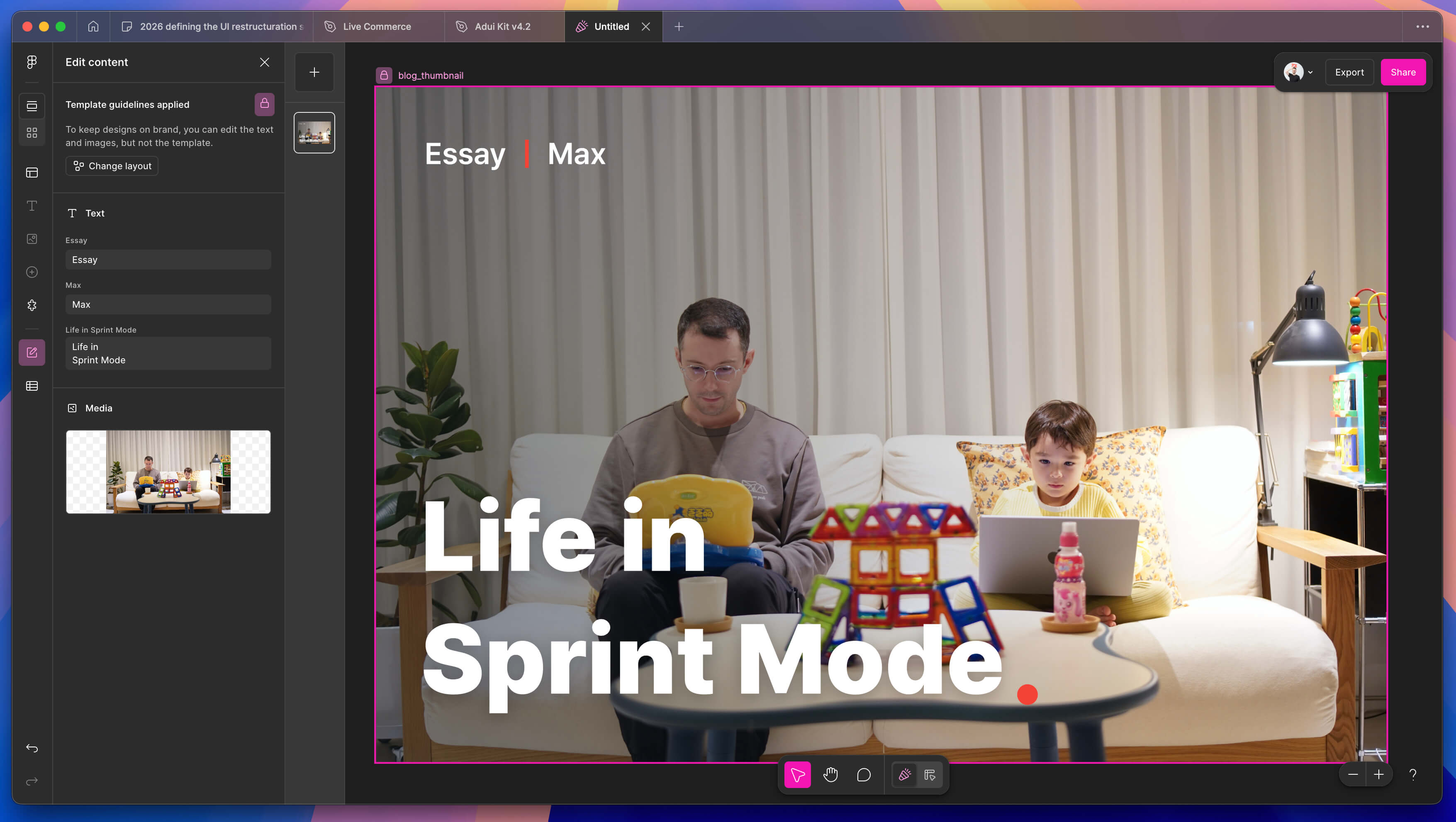
We are also experimenting with Figma Sites and Buzz, mostly for brand and communication work. These experiments are early explorations, entertaining enough, but not yet essential.
⸻
GPT Business & Gemini Pro
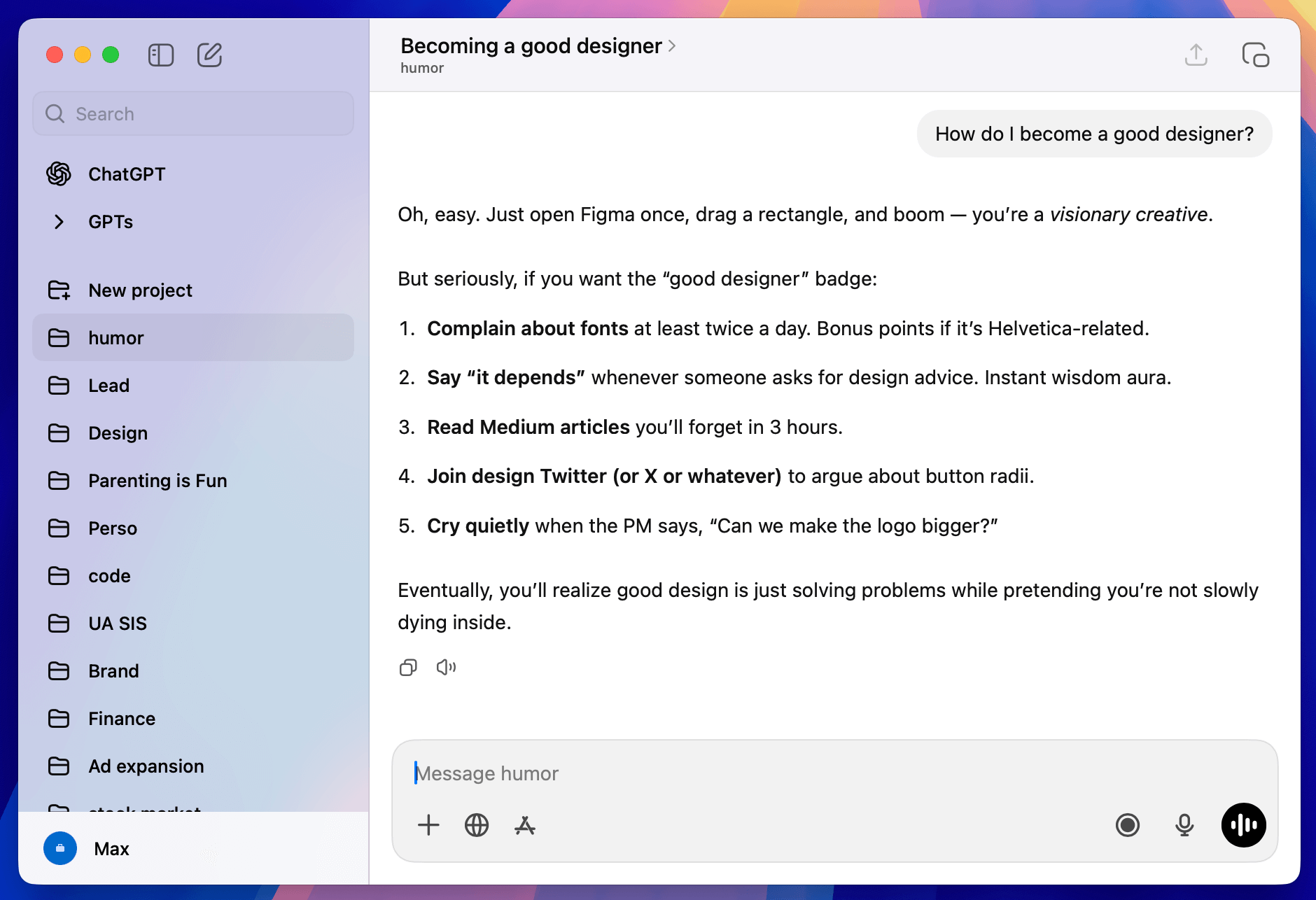
Our entire company uses GPT/Gemini, and for designers, it has become an invaluable companion.
Over the past few years, These LLMs supported everything from UX writing to early-stage critique, ideation, and probably a hundred small use cases we no longer consciously notice.
GPT is often described as a yes-man, but that is only if you let it be. With the right prompting, it becomes your most precise and opinionated design critic, and sometimes, that is exactly what you need.
⸻
Cursor
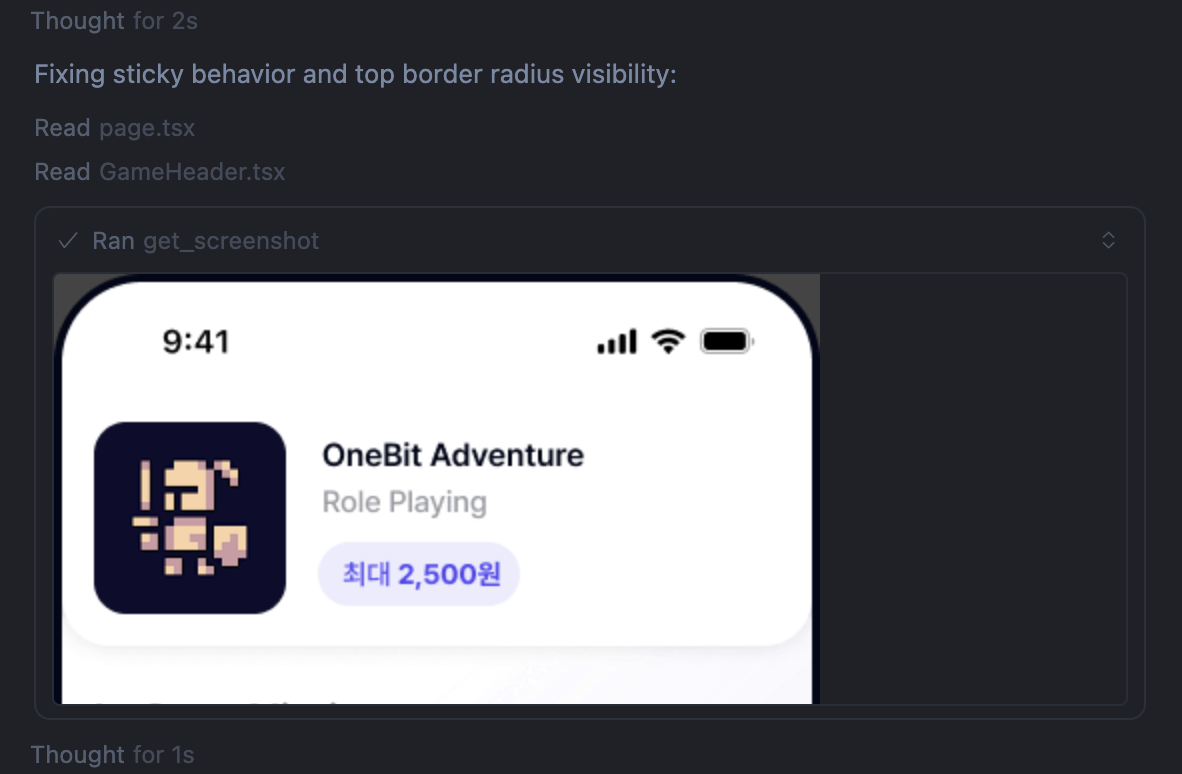
New in 2026, Cursor joins the stack. We tested it last year, and it quickly proved itself as a serious design amplifier.
Cursor allows us to push prototyping further and shape the next generation of our design system directly in code. It is still early, but the potential is obvious.
Maybe one day we will not even need Figma to design. If our system lives and breathes through code, we might downgrade from Figma Org to Team, keeping it around mostly for stakeholder presentations. It would not be the first time we have outgrown a tool. Adobe still sends us promotional emails, which feels like being invited to a wedding by an ex.
⸻
Midjourney and IconScout
We have kept Midjourney and IconScout in the mix.
Our team consists entirely of product designers, with no visual or brand specialists in-house. That setup is efficient, but it means we sometimes need a quick visual boost. Midjourney helps us explore directions, while IconScout covers our everyday iconography needs.
When we do need something truly polished, we work with trusted freelancers. It does not happen often, but it is always a pleasure when it does. They usually save us from our own “that’ll do” moments.
⸻
New Design access policies
Starting this year, we are also updating how Figma Editor seats are distributed. These seats are now reserved exclusively for product designers. This ensures design quality, accountability, system integrity, and predictable workflows as we scale. Other roles collaborate through FigJam, comments, or design team support.
The change brings clearer role ownership, stronger process discipline, consistent file structures, and fairer cost management. It reinforces a core belief. Design quality must remain the responsibility of designers, while collaboration stays open and efficient for everyone else.
We will continue to monitor how this policy works and revisit it if critical workflows are blocked. If that happens, we promise not to print this paragraph and eat it. For now, it feels like the right step toward a more scalable, predictable, and disciplined design process.
⸻
Closing Thoughts
The tools we chose for 2026 are not simply upgrades, they are commitments. A unified, code-connected design system, disciplined workflows, and AI-ready infrastructure give us a foundation sturdy enough for what is coming next. The design discipline will change again in the next two years, likely faster than the previous ten. Our goal is not to predict every shift. It is to ensure we are structurally ready for them when they arrive.